
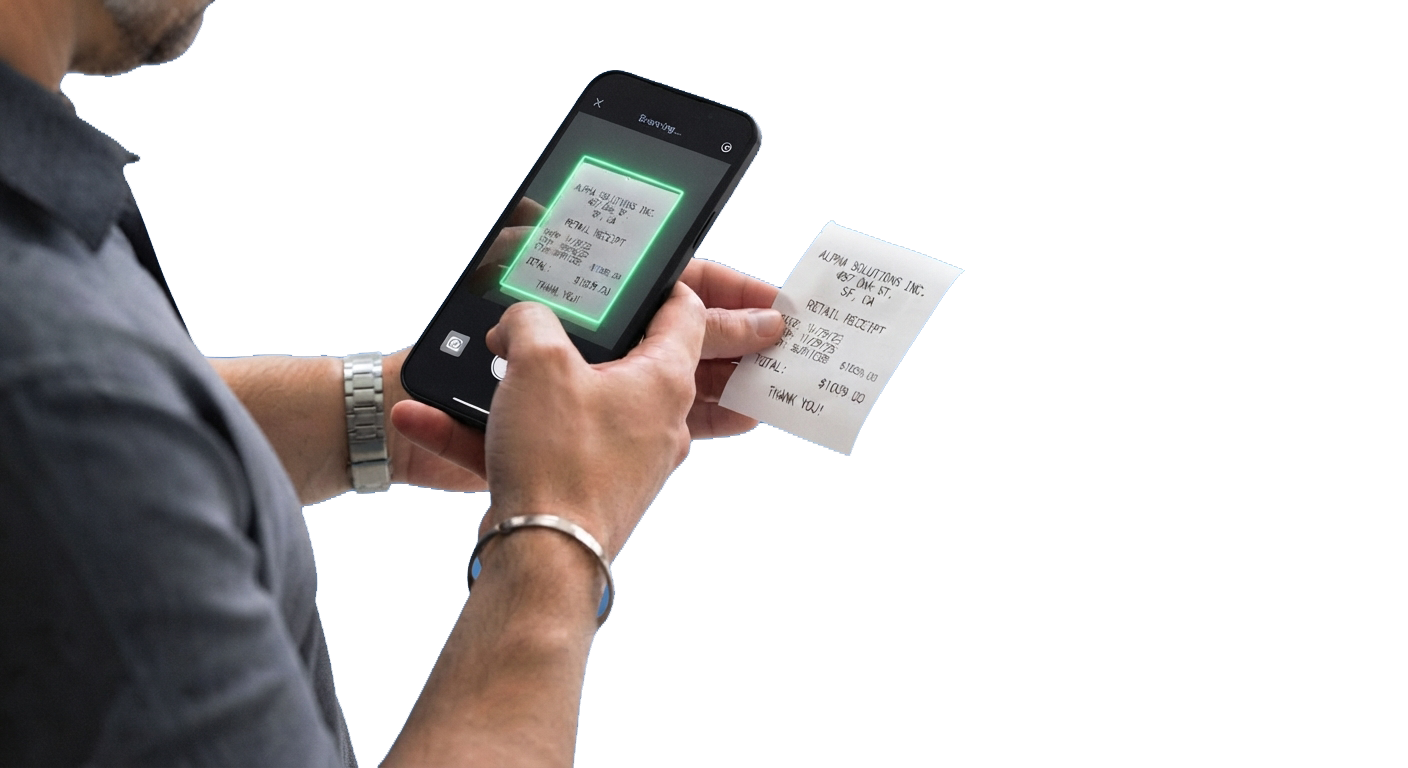
Scan a receipt or invoice. See the numbers instantly.
Point your phone or laptop at a receipt, an invoice issued to you, a bill to you, or a payment slip. Cam2Ledger reads the vendor, date, line items, taxes and total — no account needed to try it. Sign up only when you want to save the scan to your books.
How it works
1. Scan or upload
Use your phone's rear camera, your laptop camera, or upload an image or PDF. Cam2Ledger straightens and crops the document for you.
2. Textract reads it
The vendor, date, subtotal, taxes and total are recognised and shown next to the corrected scan, so you can check them at a glance.
3. Save it to your books
Sign up or sign in and the scan becomes a transaction or a bill in your ledger — matched to the right entry, with no typing.
Frequently asked
Do I need an account to scan?
No. Scanning and Textract are free to try. You only need an account to save the scan to your books.
What can it read?
Receipts, invoices issued to you, bills to you, and payment slips — including slips that carry only a total.
What if I do not sign up?
Your scan is kept in a private, session-scoped workspace for 24 hours so you can sign up and keep it, then it is deleted automatically.
Is it free?
Cam2Ledger is included in the free Ledgeryt plan. Paid plans add bank feeds, foreign-currency invoicing, online payments and AI on your business data.